 CaptureGem
How to Record From Sexchat.hu: A Quick Guide
Updated
Record public (free) Sexchat.hu shows with the CaptureGem desktop app on Windows, macOS, and Linux. CaptureGem watches as a guest, so you don't need a Sexchat.hu account.
1. Install CaptureGem
CaptureGem is free to download and use, and you don't need an account. Download CaptureGem for your computer, or update to the latest version, then:
- Windows: right-click the .zip file, choose Extract All, and run CaptureGem.exe from the extracted folder, not from inside the zip. If Windows SmartScreen warns you, click More info, then Run anyway. When Windows Firewall asks, allow CaptureGem.exe and recorderd.exe.
- macOS: open the .dmg file, drag CaptureGem into your Applications folder, and open it from there.
- Linux: extract the archive, make the AppImage executable with
chmod +x, and start CaptureGem with the included launcher.sh.
2. Find the model's name or room number
Open the model's chat page on Sexchat.hu. Its address looks like https://sexchat.hu/mypage/12345/ModelName/chat: the number is the model's room number and ModelName is their screen name.
- Screen name: CaptureGem matches it exactly, including capitalization, so ModelName and modelname are different.
- Room number: Use the number instead if the screen name contains spaces, emoji, accented letters or punctuation. CaptureGem only keeps letters, numbers, hyphens and underscores in a name, so those names can't be matched.
3. Add the stream
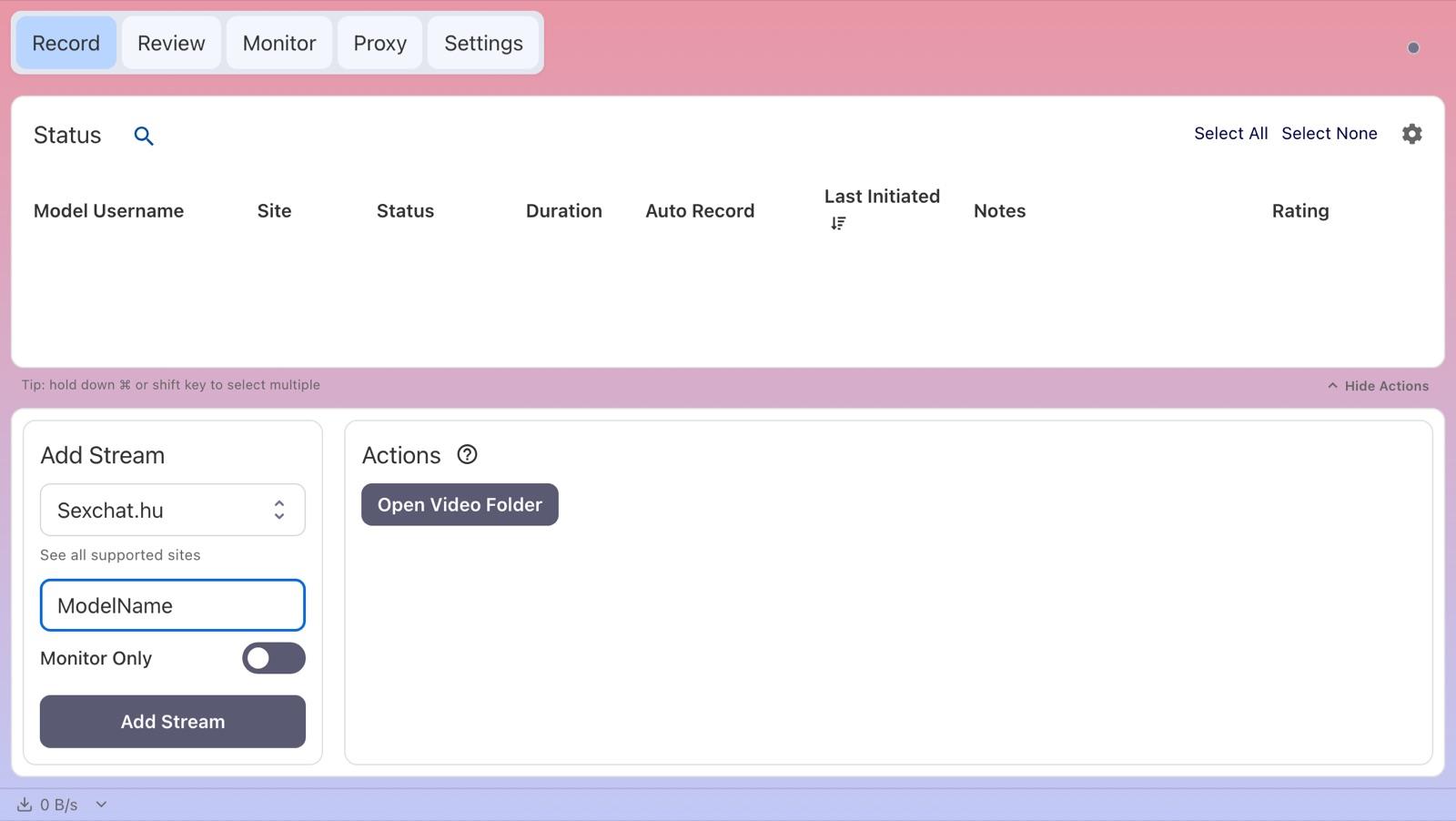
- On the Record tab, paste the chat page link (ending in /chat) into Enter URL or Username in the Add Stream panel. CaptureGem selects Sexchat.hu and takes the screen name from the link. You can also choose Sexchat.hu under Select Website and type the screen name or room number.
- Leave Monitor Only off so the stream is saved.
- Click Add Stream.
4. Record the show
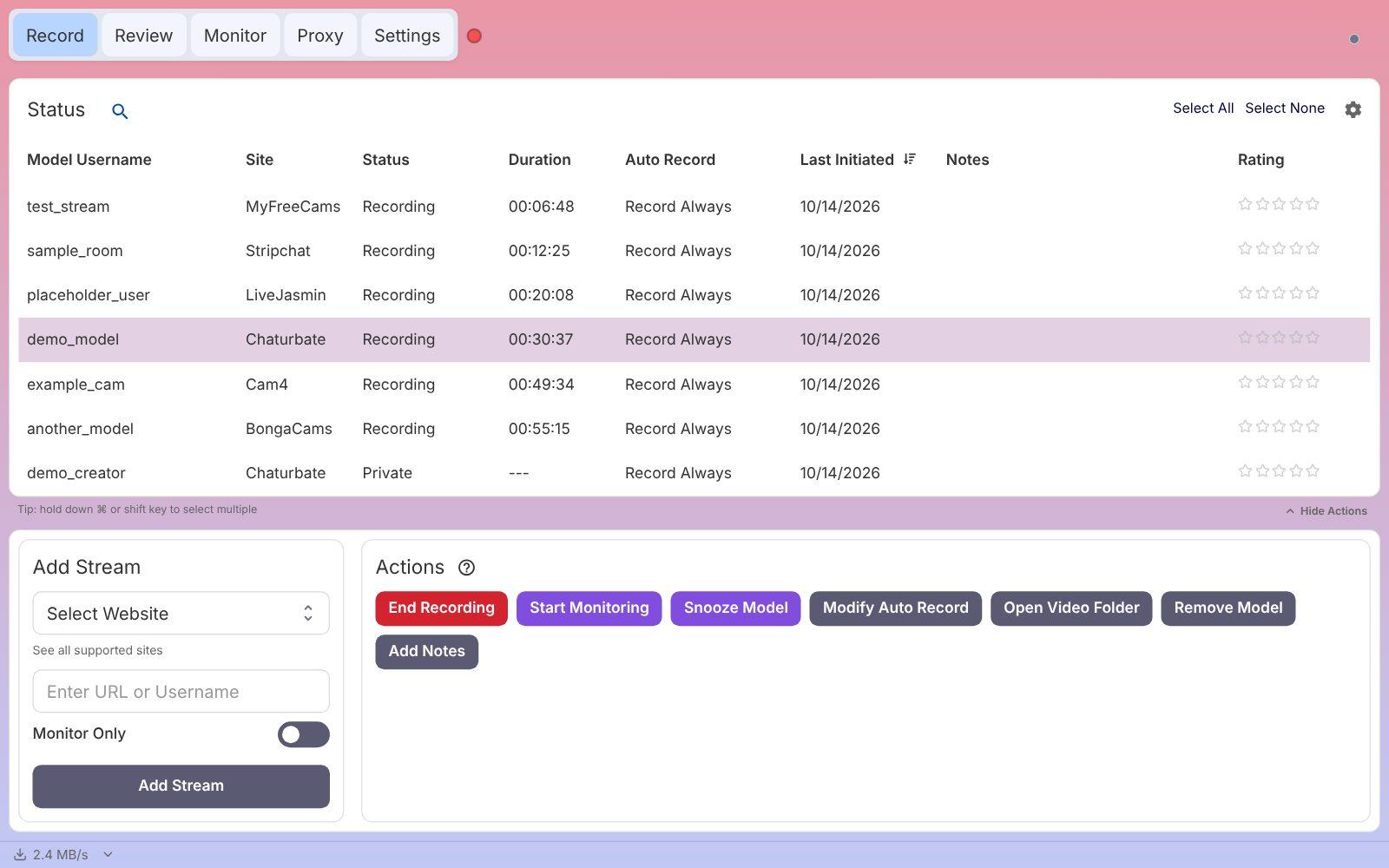
If the model is in a free show, the status changes to Recording within a few seconds. Otherwise the Status column tells you why:
- Private: the model is in a VIP, group or private show.
- Offline: the model's room is offline.
- Errored with "not found in performers list": CaptureGem looks screen names up in Sexchat.hu's list of models, and this name didn't match. Check the capitalization, or add the model by room number instead.
Hover over a status to see more detail, including the reason for an Errored status. Select a model to see its Actions, such as End Recording and Open Video Folder.
Try it free, then upgrade for full shows
The free version is enough to check that recording works on your computer before you pay for anything.
- Free: saves up to 5 minutes per recording and lets you add up to 10 models. It records a model only if they're live when you add or start them, so start the recording again if the model was offline.
- Premium: removes those limits and adds auto-record, which starts recording whenever the model comes online and restarts after a disconnect. See Premium plans.
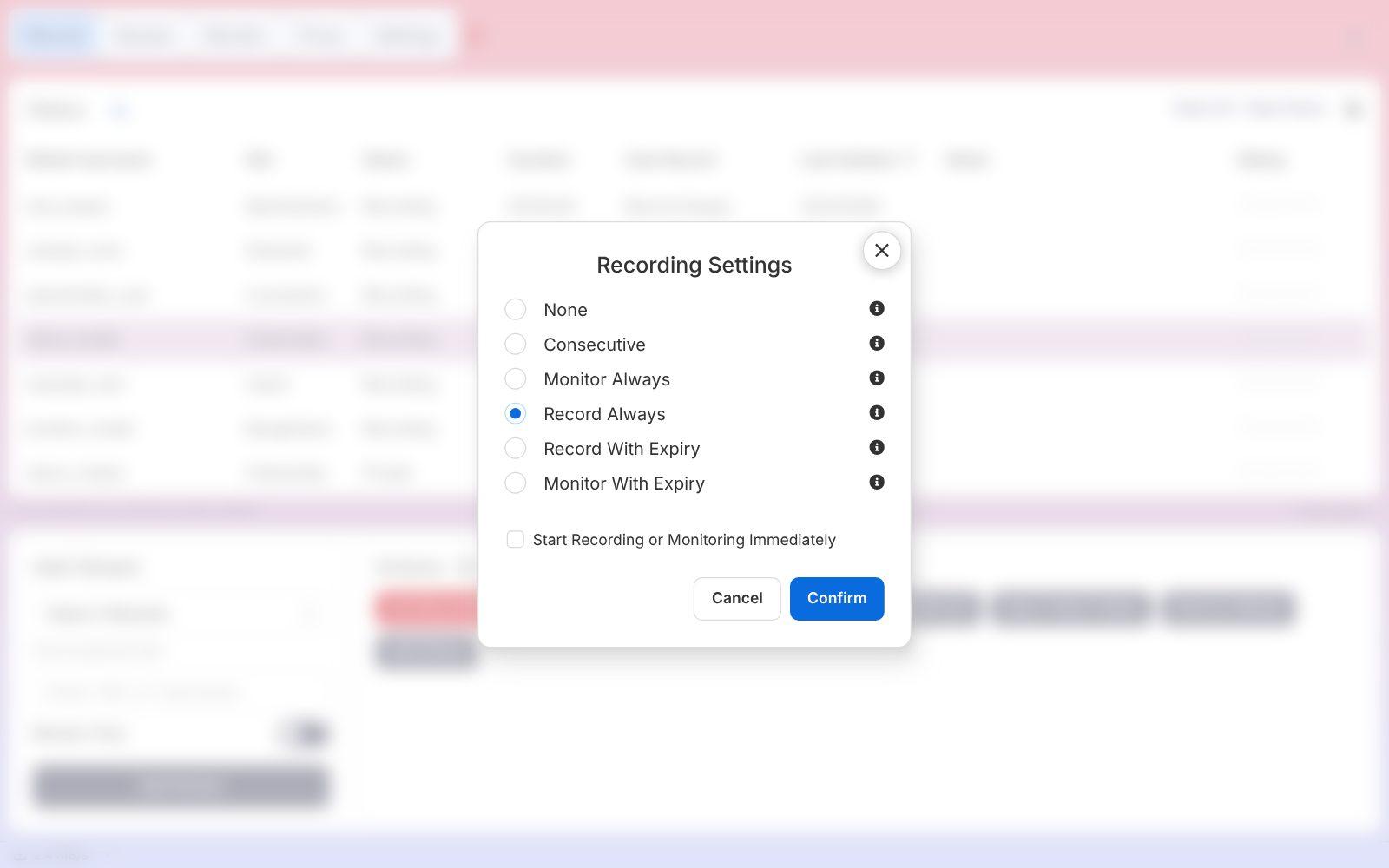
Auto-record (Premium): select the model on the Record tab, click Modify Auto Record under Actions, choose Record Always, and click Confirm. To auto-record every model you add, turn on Auto Record All Newly Added Models in Settings.
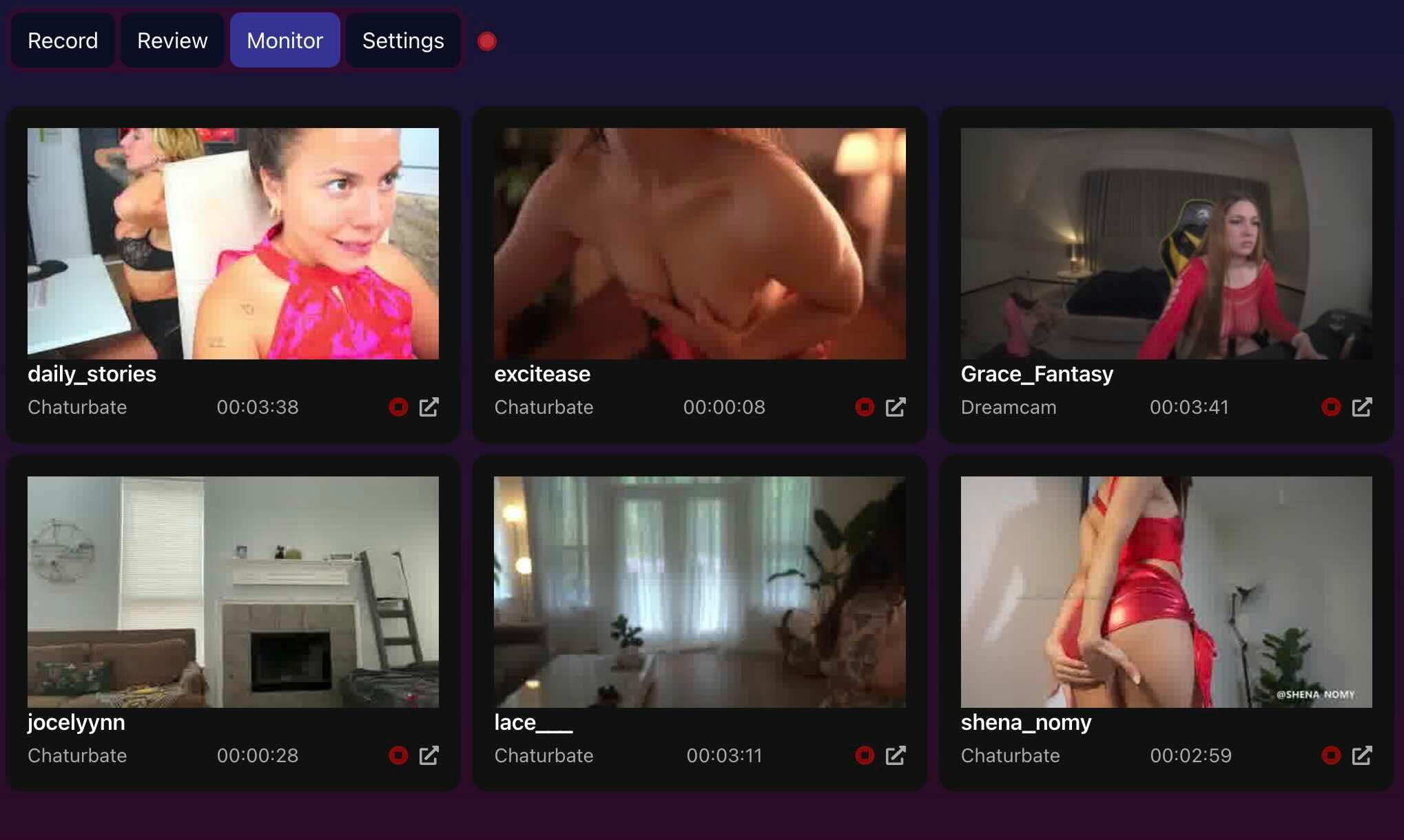
Open the Monitor tab to see live previews of everything you are recording.
5. Find your recording
When a recording ends, CaptureGem converts it into a video file; long recordings take a little while. Then:
- Open the Review tab to play, trim, tag or delete it.
- Or click Open Video Folder on the Record tab to open the folder it was saved in.
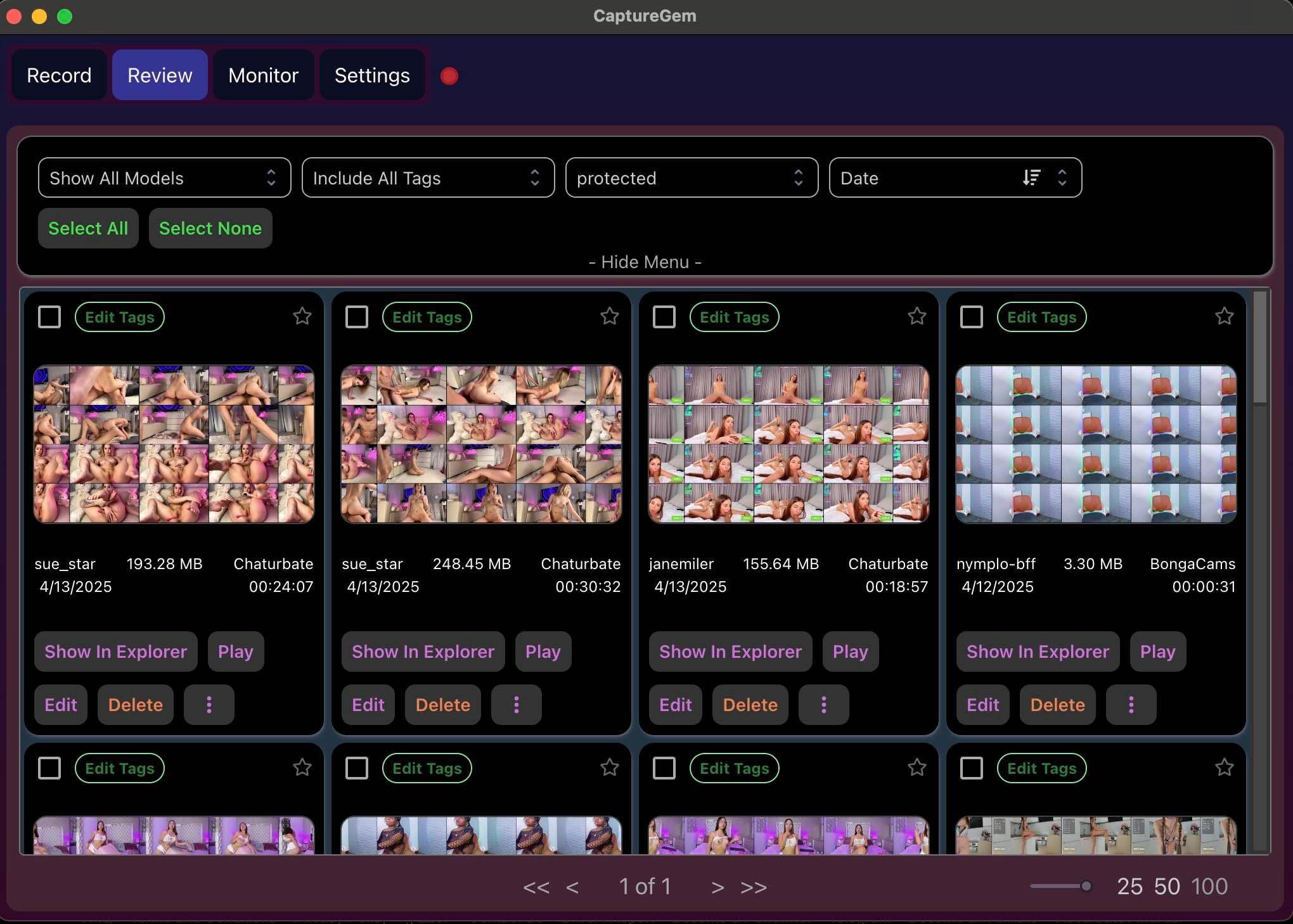
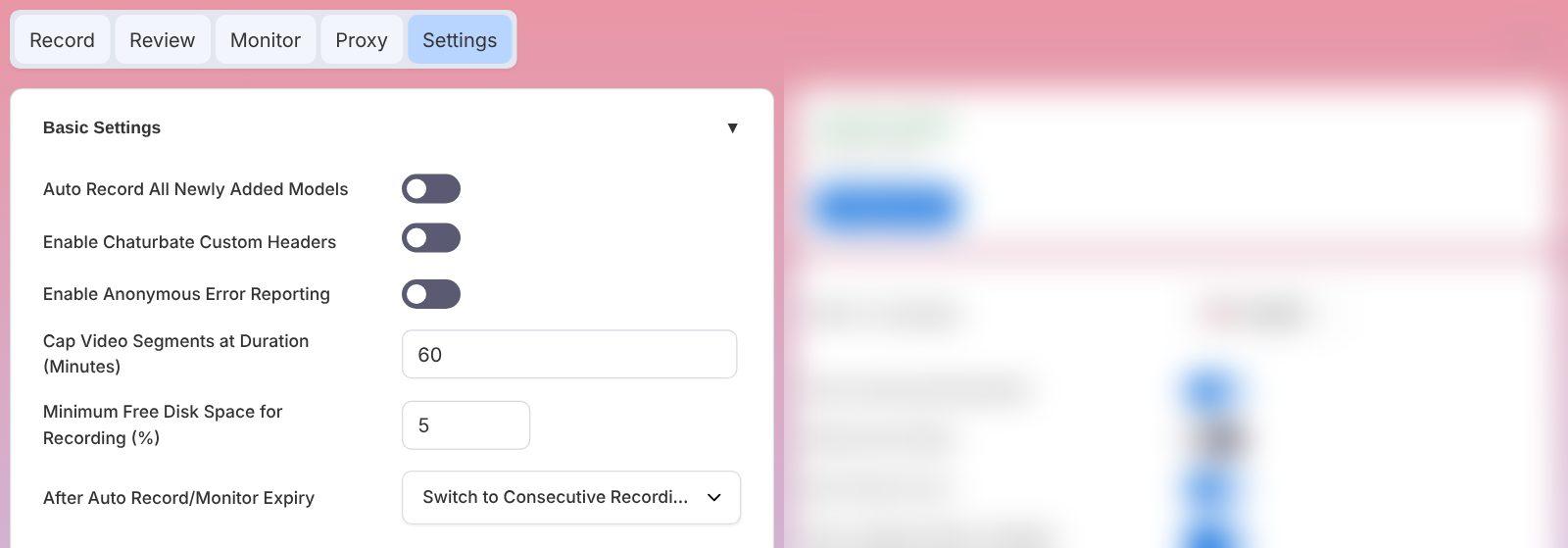
Recordings are saved as MP4 files by default. With Premium, each file is up to 60 minutes long by default, and auto-record starts the next file straight away. You can change the save location, the file length (Cap Video Segments at Duration (Minutes)) and the file container in Settings.
Sexchat.hu notes and troubleshooting
- Few free shows: Only a handful of Sexchat.hu models are usually in a free show at any time. A model in a VIP, group or private show shows Private until they return to a free show.
- Open In Browser: For Sexchat.hu models, Open In Browser opens the Sexchat.hu home page rather than the model's page.
- Quality: To save bandwidth and disk space, set a lower limit for Sexchat.hu under Max Resolution Per Site in Settings > Advanced Settings.
- Private shows: CaptureGem records public shows. If you can watch a private show in your own browser, Premium's Proxy feature can save it; see the proxy guide for Windows, macOS or Linux.
If a recording keeps failing, update CaptureGem to the latest version, check that the stream plays in your browser, and ask in our Discord community. Premium members can also send a failed recording to support.