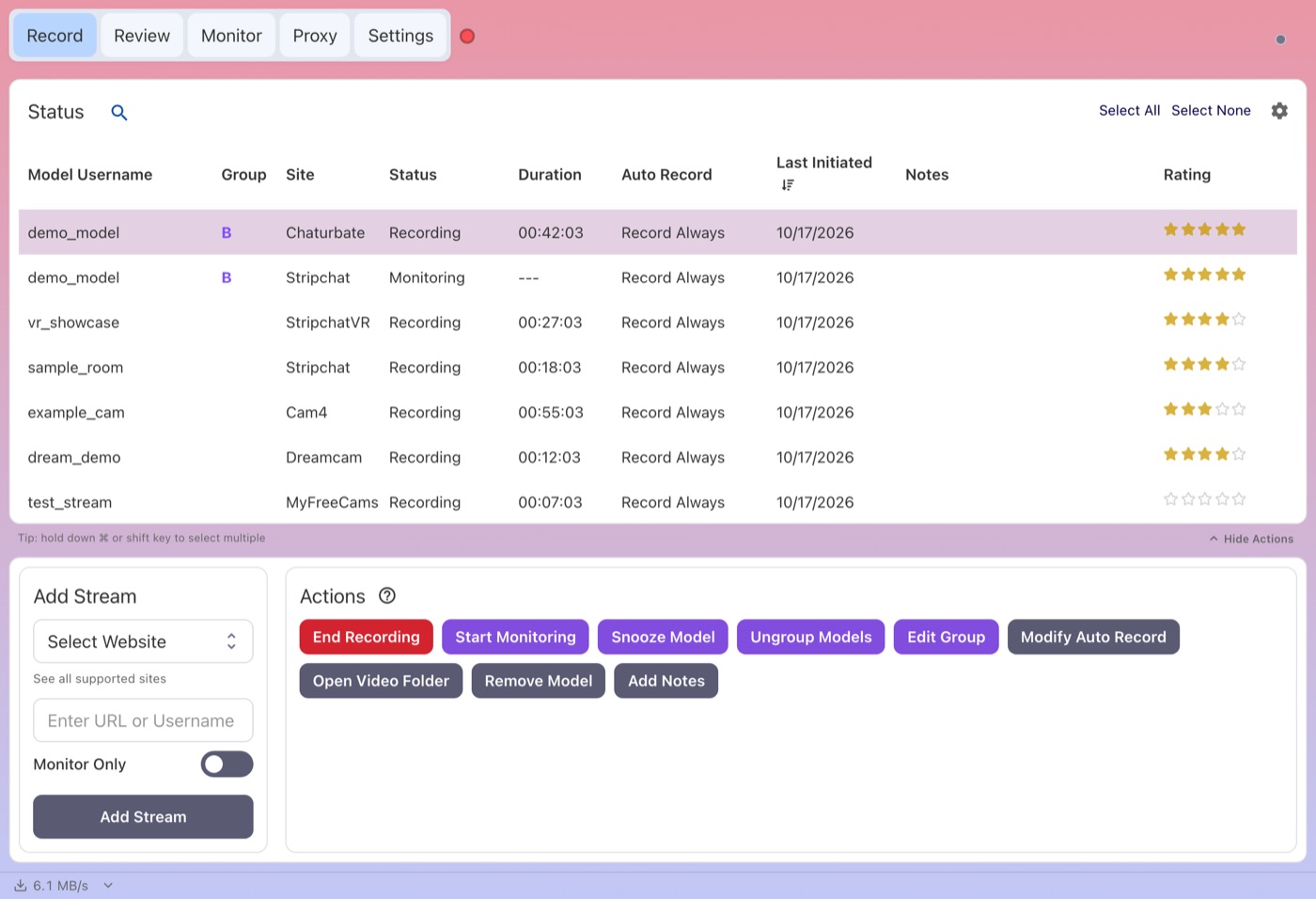
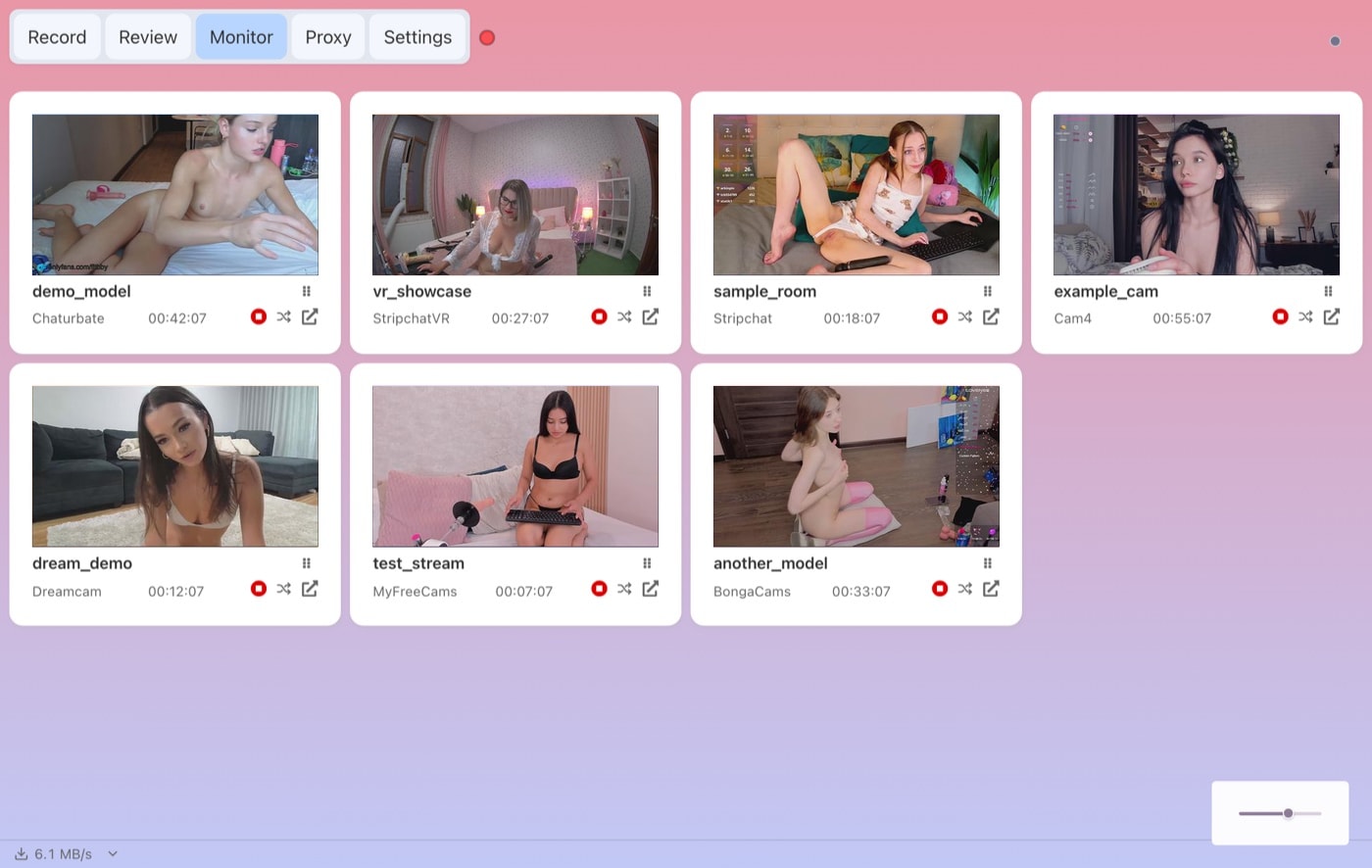
CaptureGem
CaptureGem vs CTBRec: Which Cam Recorder Fits You?
CTBRec and CaptureGem both watch the cam rooms you follow and save the stream to your drive, but they are built for different people. CTBRec is a free, open-source recorder for people who enjoy configuring things themselves. CaptureGem is a desktop app that tries to handle the whole job, from recording to reviewing, with far less setup.
We make CaptureGem, so weigh this comparison accordingly. We have tried to give CTBRec the credit it deserves and to stick to what each project publishes about itself.
The short answer
- Choose CTBRec if you want software that costs nothing, you value open source, and you plan to run the recorder on a home server that you control from another computer.
- Choose CaptureGem if you record from more than a handful of sites, want VR shows, prefer MP4 files that play everywhere, and would rather browse a visual library than dig through folders.
At a glance
- Price: CTBRec is free and donation-supported. CaptureGem has a free version for testing and Premium for full use.
- Source code: CTBRec is open source. CaptureGem is not.
- Platforms: both run on Windows, macOS and Linux.
- Built-in sites: CTBRec's website lists 11. CaptureGem supports 24, plus 130+ more streaming platforms through Streamlink.
- VR: CTBRec doesn't advertise VR recording. CaptureGem records StripchatVR, Dreamcam and SexLikeReal as headset-ready files.
- File format: CTBRec saves MPEG transport stream (.ts) files. CaptureGem saves MP4 by default, with MKV as an option.
- Reviewing recordings: CTBRec can make a contact sheet if you set up that post-processing step. CaptureGem builds an image grid for every recording automatically.
- Remote recording: CTBRec has a polished server mode. CaptureGem's recorder can run headless on Linux as an advanced option.
Where CTBRec shines
CTBRec has earned its following. It is free, its source code and releases are public on its own Git server, and it still receives updates.
Its standout feature is server mode. You can run the recorder on an always-on machine and control it from the desktop GUI on another computer by setting the recording location to "Remote". If you already keep a server running at home, that is a genuinely nice setup.
Its post-processing pipeline is flexible too. You can chain steps that copy, rename or move files, remux or transcode them with your own FFmpeg arguments, run a script, delete recordings that are too short and create a contact sheet. If you like scripting your workflow, few recorders give you that much control.
Where CaptureGem pulls ahead
More sites, including VR
CTBRec's website lists BongaCams, Cam4, CamSoda, Chaturbate, Dreamcam, FC2Live, Flirt4Free, MyFreeCams, Streamate, Stripchat and XLoveCam. CaptureGem has 24 sites built in: all of those except FC2Live, plus XHamsterLive, LiveJasmin, Jerkmate, ManyVids, Cams.com, XCams, CameraPrive, AmateurTV, Bigo TV and more. It also reaches 130+ other platforms through Streamlink.
VR is the clearest gap. CaptureGem records StripchatVR, Dreamcam and SexLikeReal as side-by-side 120° fisheye MP4 files for headset players such as HereSphere. CTBRec lists Dreamcam but says nothing about VR formats or headset playback. Our StripchatVR guide walks you through a first VR recording.
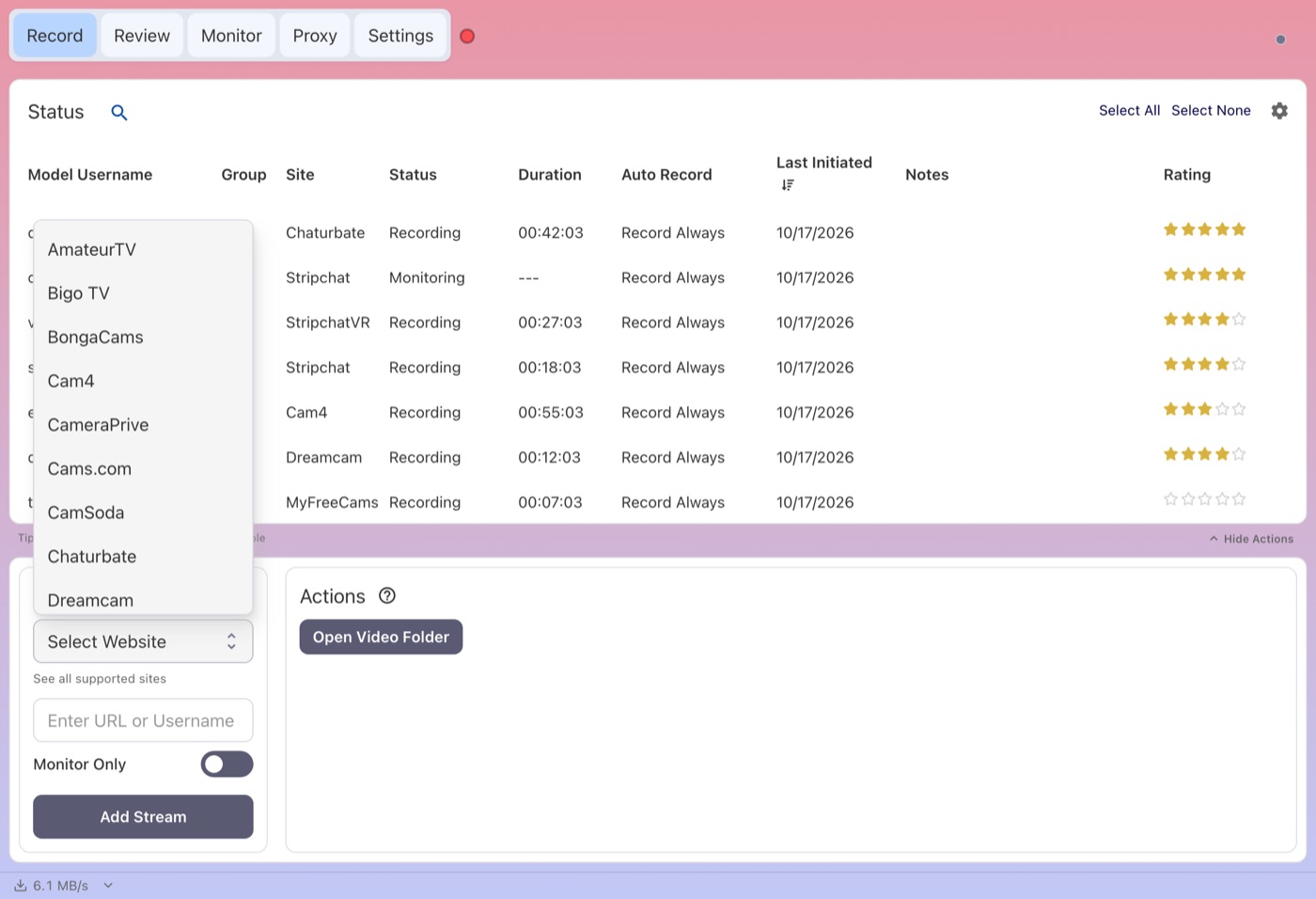
Every built-in site is in one menu in the Add Stream panel, with nothing extra to install.
Files that play anywhere
CTBRec records .ts files, and its FAQ points you to tools such as HandBrake or Avidemux, or its own remux step, when you want MP4 or MKV. That works, but it is one more thing to configure. On almost every site, CaptureGem records the site's source stream directly at the top available quality (XCams, ManyVids and Superlive go through its built-in browser and are converted afterwards), and it saves MP4 by default, so a finished file is ready for your phone, TV or video editor.
A library instead of a folder
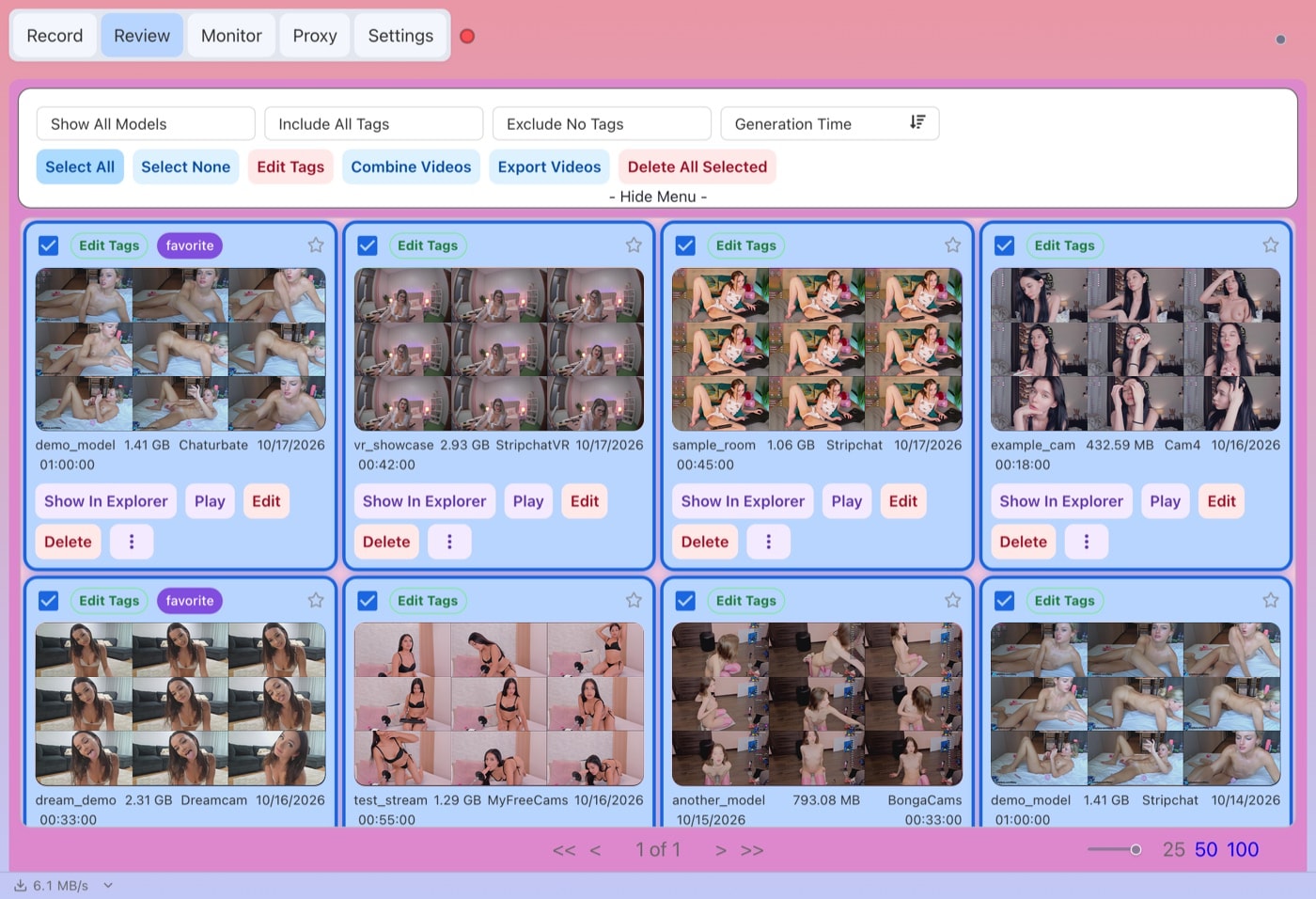
This is where the two apps feel most different day to day. CTBRec gives you a contact sheet if you add that step to post-processing. CaptureGem's Review tab generates an image grid for every recording on its own, and lets you filter by model and tags, sort, mark favorites, set a review status and protect recordings from deletion.
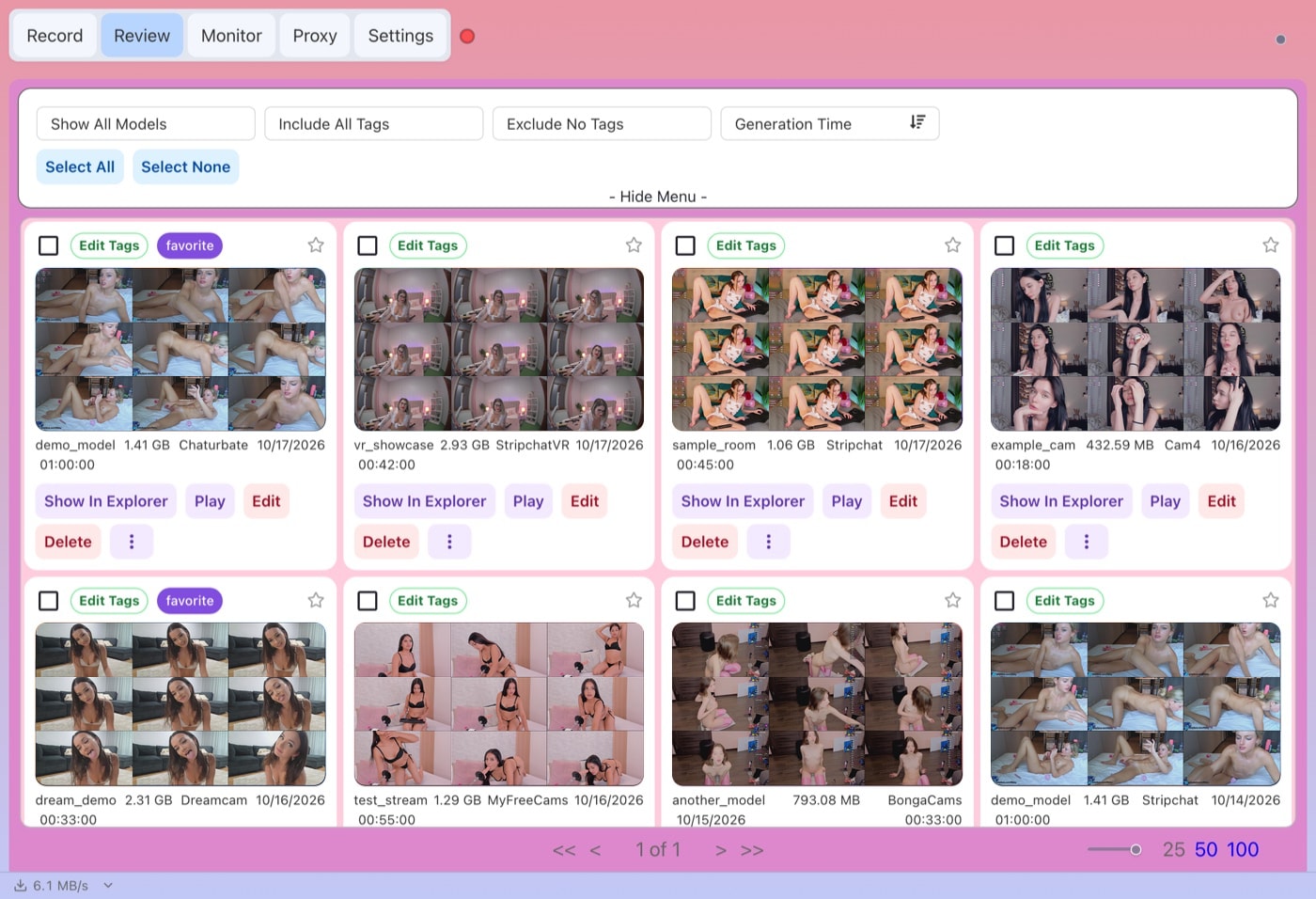
The Review tab turns each finished recording into an image grid you can scan, tag and filter.
Editing and combining built in
When a recording runs long, CaptureGem's editor lets you keep or cut sections, save the result as a new file and optionally delete the original. You can also select several recordings and combine them into one video. With CTBRec you would usually open a separate video editor for that.
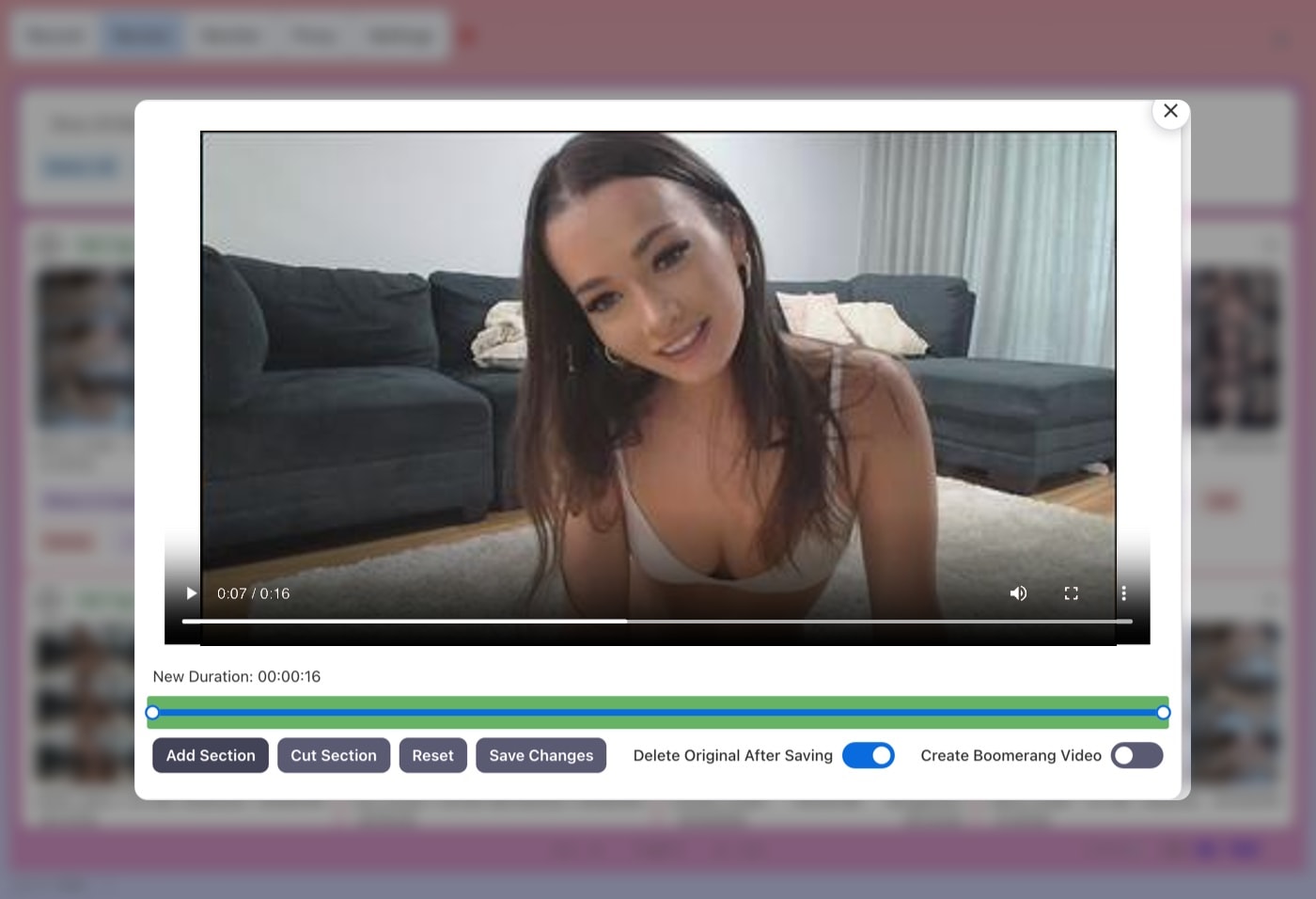
Trim a recording without leaving the app: mark the parts to keep, then save a new file.
Cross-site groups
Many performers stream on more than one site. With Premium, CaptureGem lets you put one performer's rooms into a model group, so it can record from another site when they go offline or private on one. CTBRec doesn't advertise anything similar.
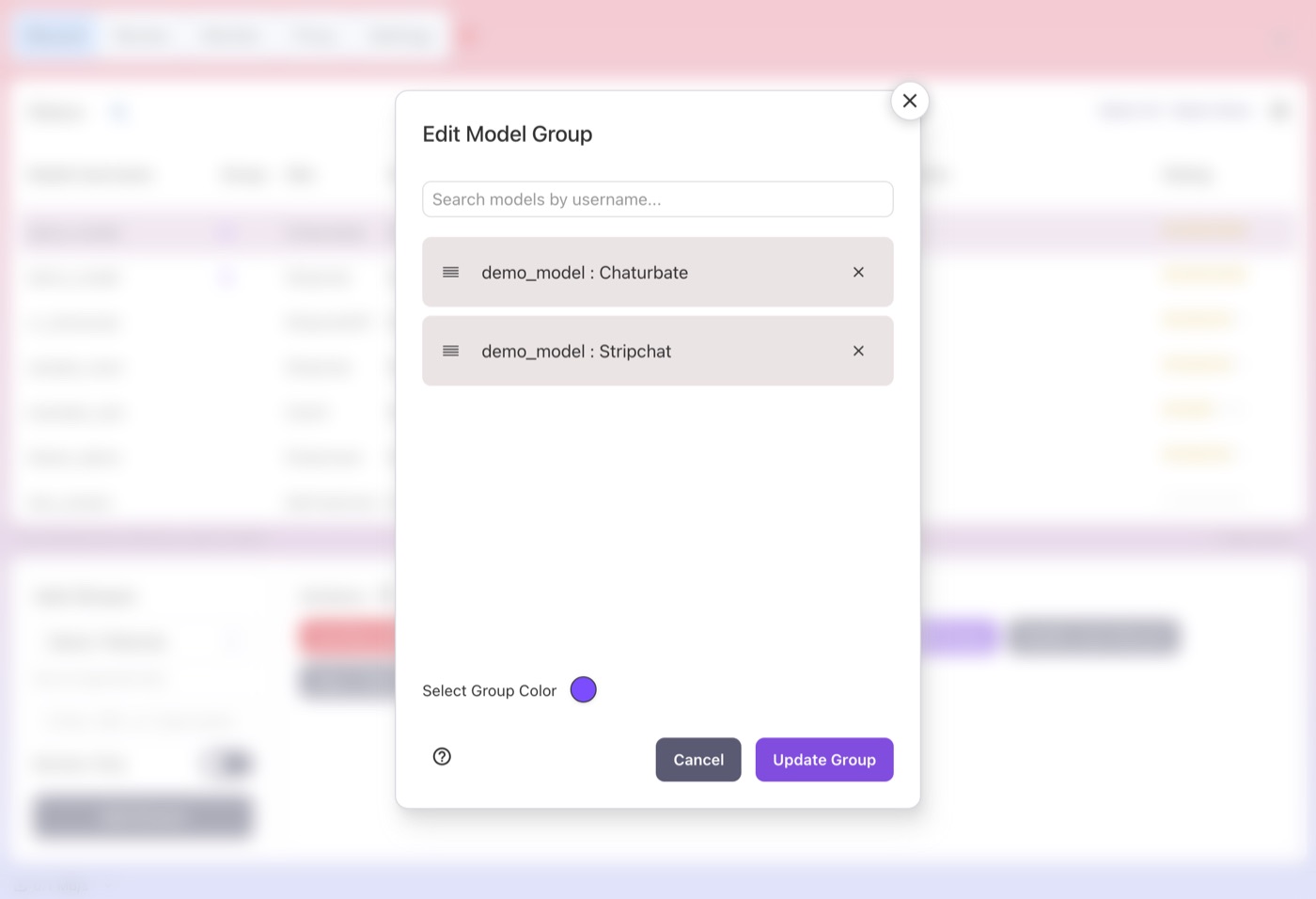
A model group links the same performer's rooms on different sites (placeholder username shown).
What about running on a server?
This is CTBRec's home turf, so it is worth being precise. Its server mode lets the desktop GUI control a remote recorder, configured through a server.json file. Server-side post-processing has no UI, so you edit that file by hand.
CaptureGem's recorder can also run headless on Linux without the desktop app, controlled through a local HTTP API; our standalone Linux guide explains the setup. It is an advanced option rather than a remote GUI, and six sites still need the desktop app: LiveJasmin, XCams, ManyVids and Superlive record through it, and CamSoda and AmateurTV use its built-in browser for status checks. If controlling a server from a GUI is your top priority, CTBRec does that more smoothly.
Free vs Premium
CTBRec is free, full stop. CaptureGem's free version lets you add up to 10 models and saves up to 5 minutes per recording, and it records a model only if they are live when you add them or press start. That is enough to check that CaptureGem works with your sites and to see what the files look like.
Premium removes those limits and adds auto-record (it starts when a model comes online and restarts after disconnects or network timeouts), unlimited simultaneous recordings as your bandwidth allows, cross-site model groups, Proxy mode for private shows you're watching and unsupported sites, an optional built-in browser to help with rate limiting, and complimentary CamTrove Premium.
Which should you choose?
Pick CTBRec if:
- you want a recorder that costs nothing and you are happy to configure it
- open source matters to you
- every model you follow is on its 11 listed sites and you don't need VR
- you want to control a recorder on a home server from your desktop
Pick CaptureGem if:
- you follow models on sites CTBRec doesn't list, or you record VR
- you want MP4 files without a remux step
- you want to review, tag, trim and combine recordings in the same app
- you want one performer's rooms on several sites handled as a group
Our verdict
CTBRec is a solid tool, and if you enjoy building your own pipeline it may be all you need. For most people who record cam shows, though, the work doesn't end when the file is saved. CaptureGem covers more sites, records VR, saves MP4 out of the box and gives you a library to browse what you captured, with much less configuration. Get the free version from our download page, and upgrade when you're ready to record without limits.
Please record only streams you have the right to save, and respect performers, each site's terms and your local laws.