CaptureGem
 2.14.16: CamModels recording, AmateurTV EasyStream rooms, and conversion progress in Queue Status
CaptureGem 2.14.16 records CamModels and AmateurTV's EasyStream rooms, shows how each conversion is going in Queue Status, and adds Retry all failed recordings. It also fixes AmateurTV and CamSoda recording on Mac, MyFreeCams videos that came out far too long, Chaturbate Proxy recordings that started with sound before picture, and Chaturbate, Stripchat and SexLikeReal recordings that failed to convert. Combine Videos now marks the videos that stop it, and model changes no longer revert after a restart.
Record CamModels
CaptureGem now records CamModels. Add a model the way you add any other: pick CamModels as the site and enter the name from the room's address, cammodels.com/cam/<name>/. CamModels has its own maximum resolution setting, and private shows show as Private, as they do on Streamate and Jerkmate.
AmateurTV: EasyStream rooms record
AmateurTV has moved many rooms to new players. About a fifth of the rooms we checked use EasyStream, and in 2.14.15 every recording of one failed with exit status 0xbebbb1b7. CaptureGem now records EasyStream rooms with picture and sound, at the quality you chose for AmateurTV.
Rooms on the AStream player still can't be recorded, because that player protects its video. CaptureGem now says so on the model's row instead of failing in FFmpeg. Rooms on AmateurTV's original player record as before.
See how each conversion is going
The Transcoding Queue tab in Queue Status now opens with a Converting now panel. Each video being converted gets a card with:
- a progress bar and the current step, for example "Re-encoding to one resolution: 12:30 of 58:02 (21%)"
- an estimate of the time left
- how it is being converted: Copy only, Partial re-encode or Full re-encode
- why it takes as long as it does, for example that only 20 seconds are re-encoded because the resolution changes partway, or that the whole video is re-encoded because the video format changes
Retry all failed recordings
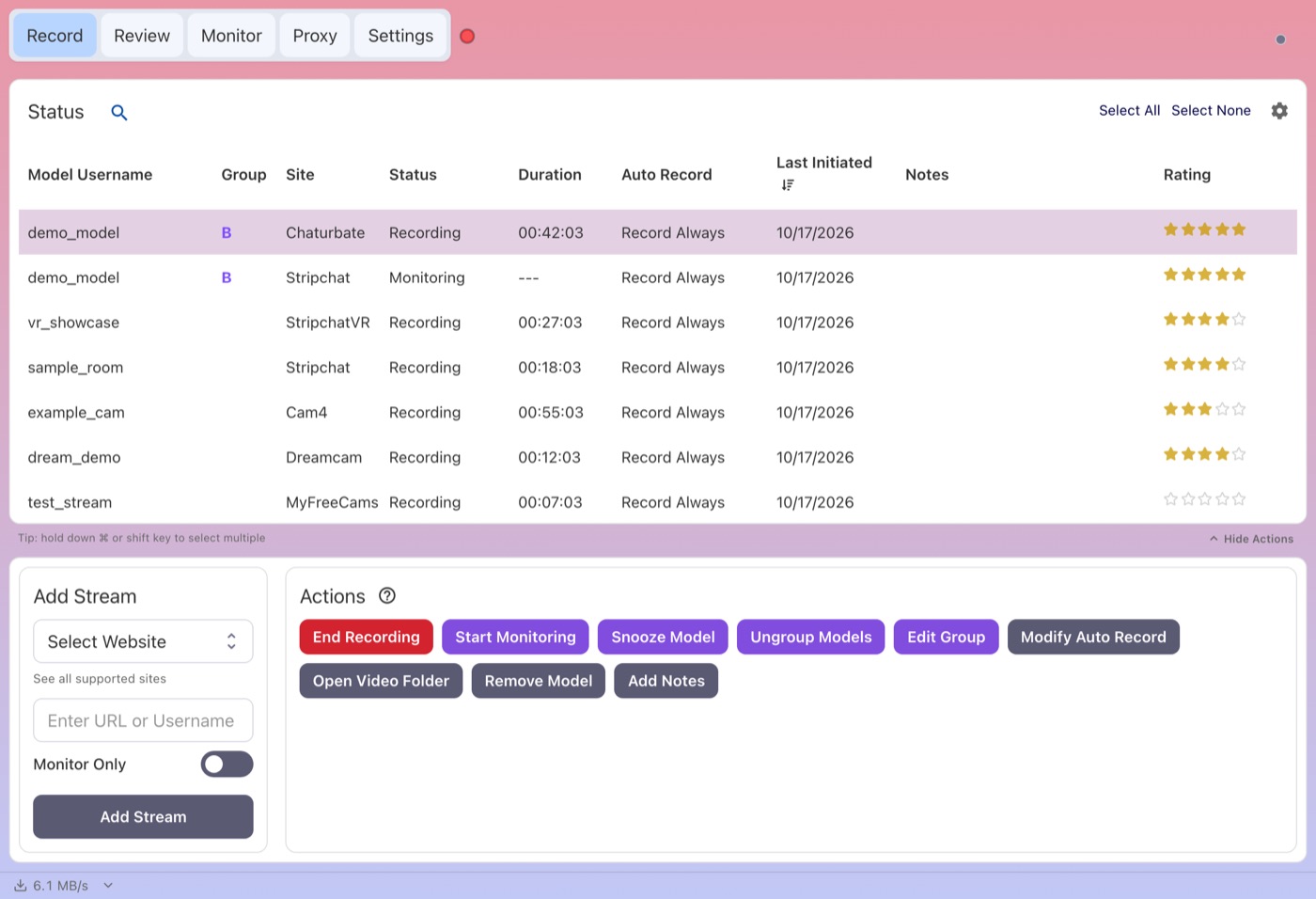
Recordings that failed to convert used to be retried one at a time. The Transcoding Queue tab and the Unfinished recordings tab now have a Retry all failed recordings button. With a filter typed in, it retries only the recordings that match. A recording that CaptureGem couldn't finish deleting is left alone, because some of its files may be gone; its own Retry button still works.
What's New
- AmateurTV and CamSoda record on Mac again. Since 2.14.12, the FFmpeg that CaptureGem ships for Mac couldn't check the sites' security certificates. AmateurTV recordings, and CamSoda recordings set to the FFmpeg method, failed on Mac as a result. CaptureGem now gives FFmpeg the certificate list it already ships, so these recordings work. Certificates are still checked.
- MyFreeCams videos have the right length. When the recording fell a few seconds behind the stream and missed some pieces, or one piece arrived without sound, the video could come out many times too long. One 7-hour stream became a 99-hour video, and a 12-minute one became more than 3 hours. CaptureGem now joins the rest of the recording as before and leaves the missed seconds as a short pause.
- Chaturbate recordings that reach Max Video Length are kept. When CaptureGem's main loop was held up just as a recording reached its maximum length, the recording kept going and wrote over its own earlier parts, so the conversion failed with exit 3 and the footage was lost. The recording now always stops at its maximum length.
- Stripchat recordings survive a stream restart. When a Stripchat stream restarted, the new part of the recording was mixed in with the old one, so conversion failed with exit 6 and later footage was dropped. CaptureGem now keeps each run of the stream separate.
- SexLikeReal VR recordings with a damaged frame convert. One damaged frame from the broadcast could fail a whole VR recording with exit 6. CaptureGem now accepts it when a video player would show it, and notes this in the recording's audit.
- No mostly frozen VR videos. When a VR broadcast, for example on Dreamcam, sent video that couldn't be shown for a long stretch, CaptureGem covered the gap by holding the last good picture, so one 12-minute recording came out with most of its video frozen. CaptureGem now holds a picture for at most 10 seconds. A recording with longer gaps fails to convert with a message saying the broadcast sent no usable video for that stretch, and its files are kept.
- Chaturbate Proxy recordings start with picture and sound together. Some Proxy tab recordings began with up to a second of sound before the picture appeared. Both now start at the same moment, and the sound stays in sync to the end.
- A failed Chaturbate Proxy import can be retried. If importing a Chaturbate Proxy tab recording failed partway, for example because the disk was briefly unavailable, retrying it could fail too, and the recording was stuck. Its files now stay as they were until the import succeeds, so Import in Recordings not converted works on a retry, with sound. CaptureGem also never converts a Chaturbate Proxy recording without its sound because the sound couldn't be prepared. A failed recording now appears in that list even while its browser tab is still open.
- No-limit Max Video Length works for AmateurTV. Setting Max Video Length to a huge number, such as 100,000,000 minutes, to mean "no limit" made every AmateurTV recording fail to convert with exit 3. These recordings now convert, and ones that already failed this way convert when you press Retry.
- Model changes stick after a restart. If your settings file came from another folder, for example copied from an old copy of CaptureGem or another account, CaptureGem saved every change to that other folder. Models you added or removed and settings you changed went back the next time you opened it. CaptureGem now saves to the folder it loaded from.
- A full disk keeps the sound. When the disk filled up while CaptureGem was adding a recording's separate audio, it saved the video without sound and deleted the recording's files, audio included. It now keeps the files and tries again later, so the recording converts with sound once there is space.
- Combine Videos marks the videos that stop it. When videos can't be combined, the dialog now outlines each video that causes it, with the reason, instead of naming only the first file in an error. Videos that would need re-encoding are outlined too. Remove marked videos drops all of them at once.
- Quitting during a conversion leaves no half-finished video. Quitting while a Chaturbate video was being re-converted could leave a video with no sound under its final name, plus large temporary files. CaptureGem now removes them when it stops a conversion.
- Review no longer lists temporary files. While a Chaturbate Proxy recording was converting, Review could list dozens of "Unknown" videos of about 2 hours each. They were temporary files, and they no longer appear.
- Deleting a big queue shows progress. Delete all waiting on a queue of hundreds of recordings could freeze the window and then report a failure while deleting carried on. It now deletes in batches and shows how far it has got.
- Lower memory use. A model whose AmateurTV or CamSoda recording kept failing to start used more memory with every try. That no longer happens.
- Clicking the CaptureGem icon shows the window. When CaptureGem was hidden in the tray, opening it again from the desktop or Start menu shortcut did nothing. It now shows the window.
- Export Models has two more columns.
models.csvnow also lists each model's auto-record setting and when its last recording started. The existing columns keep their order, and older files still import. - Bigger support uploads. Send to support now accepts up to 4 GB, and we can change the limit later without an app update.
Download
Get CaptureGem from our download page.