CaptureGem
New version 2.9.11 released with system tray support, video combining, and many other features!
March 27, 2025 by Admin
Hello everyone, I am excited to announce the release version 2.9.11! This is a big change with a lot of feature updates and improvements.
Changes:
- Added hide to system tray on windows and macOS. This will happen every time you click the close button on the application. You can right-click on the system tray icon to fully close it.
- Update command, control, and shift keys to match conventions on Windows and macOS
- Changed default config and temp directories to match OS conventions. These will be %LOCALAPPDATA%capturegem on Windows and /Users/[your user]/Library/Application Support/capturegem on macOS. This only applies to new installations.
- Added new column resizing recording dashboard. You can click and drag to resize columns.
- Fixed restart scenario where all models on auto-record would start recording, causing rate limiting issues. They will now start in Canceled state instead.
- Rate-limiting (429) error messages are now clearer
- New priority queue for editing videos so you don't have to wait as long
- Added new slider for column resizing in Review and Monitor tabs
- Improved UI selections in Review tab and overall performance
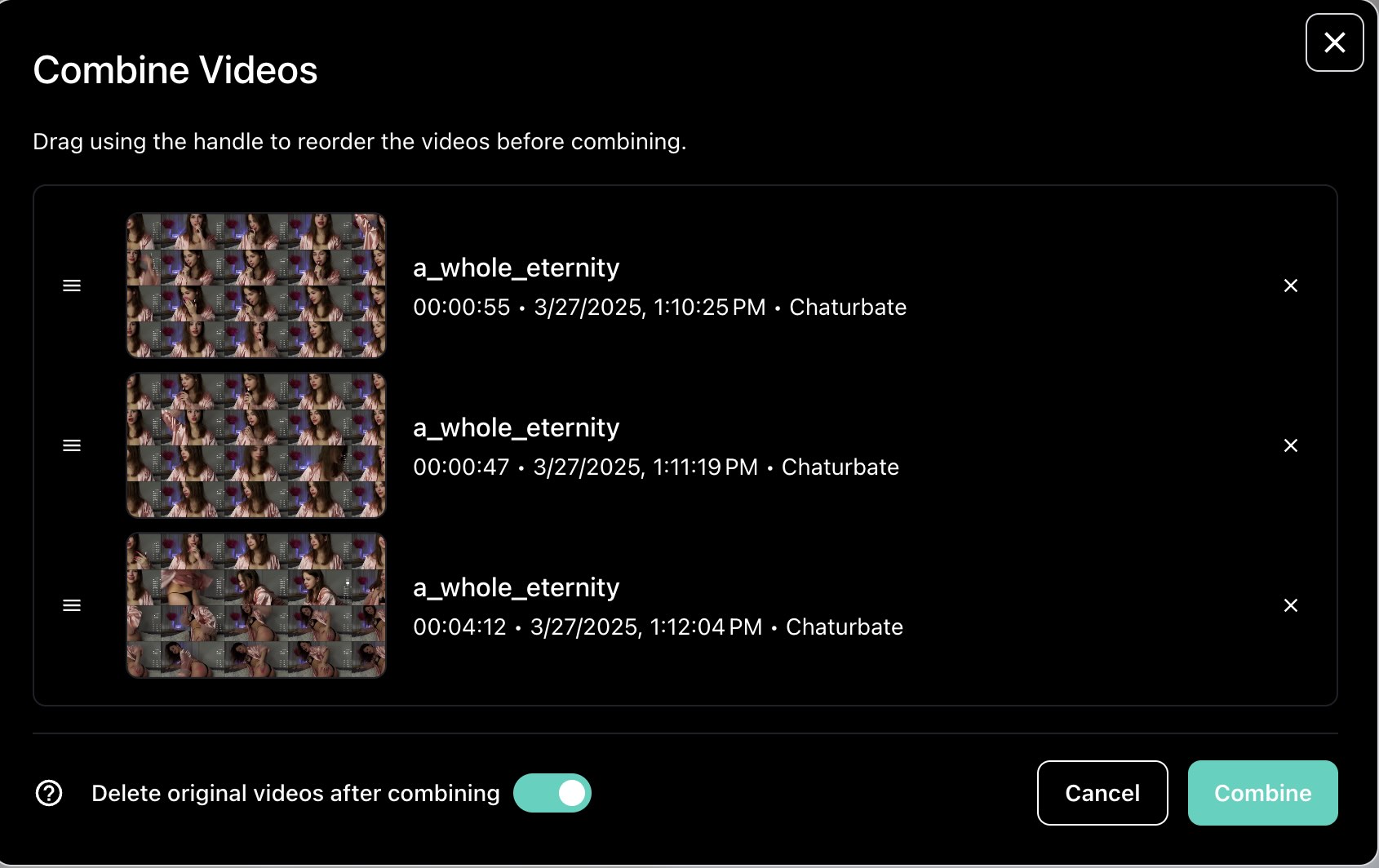
- Created new UI for combining videos. When you select multiple recordings, you can now click the Combine button to show the UI. You can also reorder the videos.
- Added model import/export buttons in the settings
- New auto backup system for config.json. The config will automatically once per 24 hours.
- Added new option when bulk changing auto record settings to start recordings or not
- New placeholder image when images aren't loading in Review tab